

What Size Should a Printed QR Code Be?
By Akmal Ali · Published · Updated · 4 min read
Print each module at least 0.5 mm wide for codes held in the hand, which makes a typical link about 2 cm across, and scale up for codes scanned from further away. Keep a quiet zone of 4 modules, use dark on light, and download SVG for print.
A QR code that scans perfectly on screen can fail on a poster or a business card. Whether it scans depends on three things you control: how much the code contains, how big each square is printed, and the contrast and border around it.
How does QR code size work?
A QR code is a grid of small squares called modules. According to Denso Wave, which invented the format, the smallest code (version 1) is 21 × 21 modules, and each larger version adds 4 modules per side, up to 177 × 177. The more you encode, the more modules the code needs, and the larger it must be printed for each module to stay readable.
Every code also needs a quiet zone four modules wide on all sides: a plain light border that tells the scanner where the code starts. So a code of 25 modules takes up 33 modules of space once printed.
Link length and error correction change the grid
Error correction adds redundancy, so a code can still be read when part of it is dirty or covered. Denso Wave gives the restoration rates as 7% (L), 15% (M), 25% (Q) and 30% (H). Higher levels need more modules. We measured the grid size our QR code generator produces for three typical links:
| Content | L (7%) | M (15%) | Q (25%) | H (30%) |
|---|---|---|---|---|
| Short link, 25 characters | 25 × 25 | 25 × 25 | 29 × 29 | 33 × 33 |
| Typical page link, 46 characters | 29 × 29 | 33 × 33 | 33 × 33 | 41 × 41 |
| Link with tracking tags, 92 characters | 37 × 37 | 41 × 41 | 49 × 49 | 53 × 53 |
Nearly quadrupling the link length, from 25 to 92 characters, grows the code from 25 to 41 modules per side at level M. Shorter links make smaller, easier-to-scan codes, so remove tracking tags you don’t need before creating the code.
How big should you print it?
The printed width is the number of modules plus the quiet zone, times the size of one module. At level M, the codes above come out as:
| Content | 0.5 mm modules | 1 mm modules |
|---|---|---|
| Short link, 25 characters | 17 mm | 33 mm |
| Typical page link, 46 characters | 21 mm | 41 mm |
| Link with tracking tags, 92 characters | 25 mm | 49 mm |
Half-millimetre modules suit something held in the hand, such as a business card or a leaflet. For anything scanned from further away, scale up: a common rule of thumb in print is to make the code at least a tenth of the scanning distance wide, so a poster read from 2 metres needs a code of about 20 cm. Always test the printed result with two or three different phones before a full print run.
Contrast and colour
- Dark on light. Scanners expect dark modules on a light background. Light codes on dark backgrounds can’t be read by some scanner apps and older phones.
- Keep strong contrast. Black or a deep colour on white is safest. Pale colours, gradients and photos behind the code reduce the scan rate.
- Keep the quiet zone clear. Don’t let text, borders or artwork touch the code.
- Use level H if you place a logo on top, and keep the logo small, because it hides part of the code.
File format for print
Download the code as SVG for print. SVG is a vector format, so it stays sharp at any size, from a sticker to a banner. Use PNG for documents and screens, choosing a size large enough that the printer doesn’t have to scale it up: a 2 cm code printed at 300 PPI needs about 236 pixels, so the 1,024 px default leaves plenty of room. For more on pixels and print sizes, see how to check image DPI and PPI.
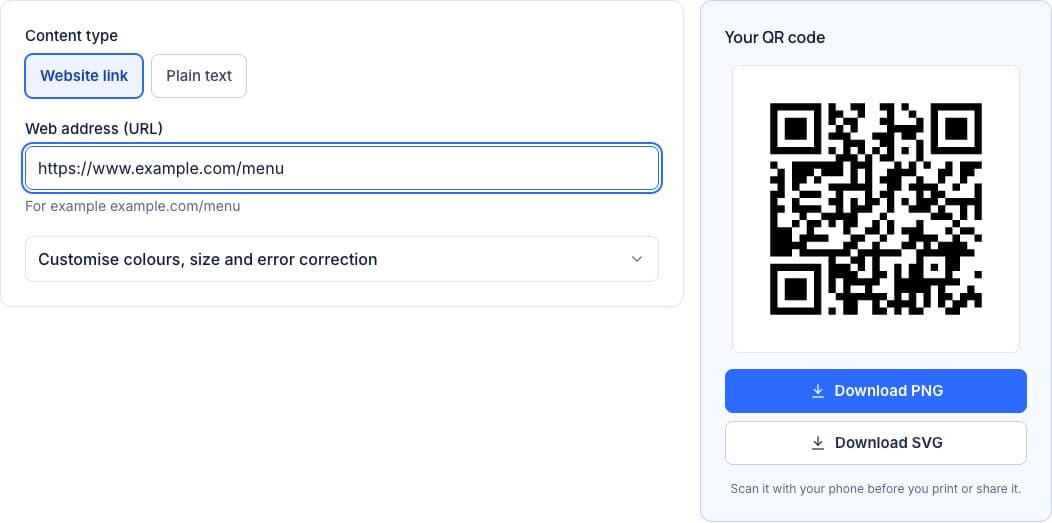
QR Code Generator
Choose the error correction and quiet zone, check the contrast, and download PNG or SVG.
Frequently Asked Questions
How small can a QR code be printed?
For a code held in the hand, print each module at least 0.5 mm wide. A typical 46-character link at level M is 33 modules plus a 4-module quiet zone on each side, so it comes out about 2 cm across.
How big should a QR code on a poster be?
A common print rule of thumb is to make the code at least a tenth of the scanning distance wide, so a poster read from 2 metres needs a code about 20 cm wide. Test the printed code with two or three phones before a full print run.
Can a QR code be printed light on dark, or in colour?
Use a dark colour on a light background with strong contrast. Light codes on dark backgrounds can’t be read by some scanner apps and older phones, and pale colours, gradients or photos behind the code lower the scan rate.